 Panic Scan
Scan with the camera
Point the camera at the log on the faulty phone; the app reads the text live and analyzes it.
Panic Scan analyzes Panic-Full logs from the camera, screenshots or .ips files and shows which part makes the iPhone restart, from iPhone 5s to iPhone 18 Pro Max.
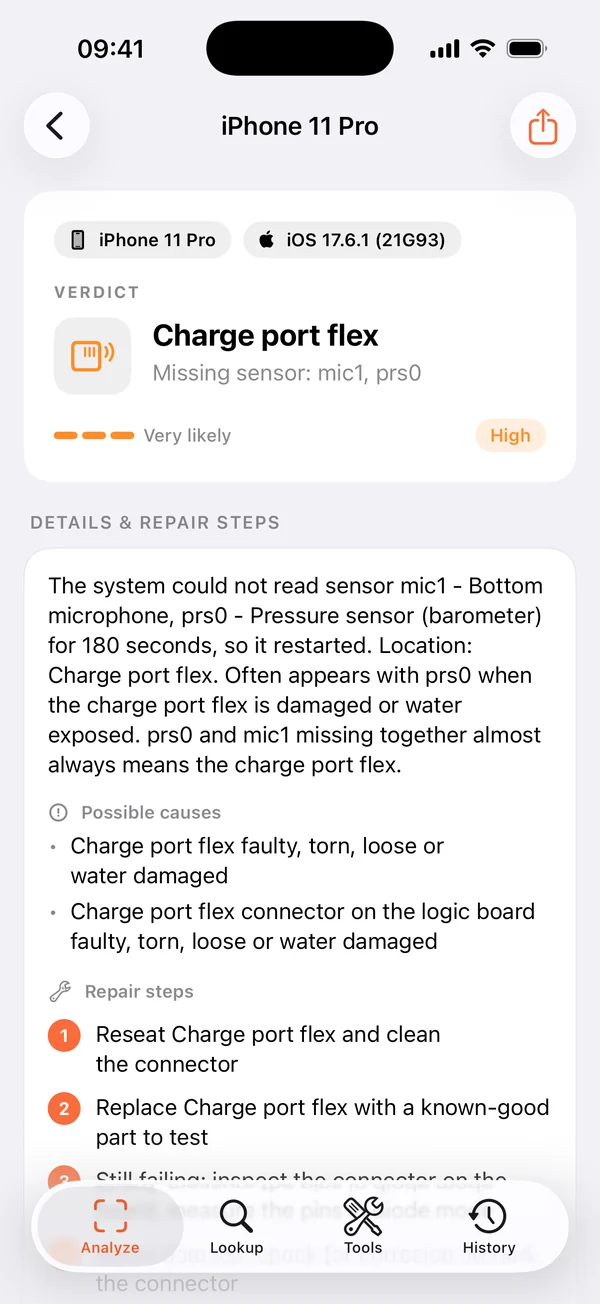
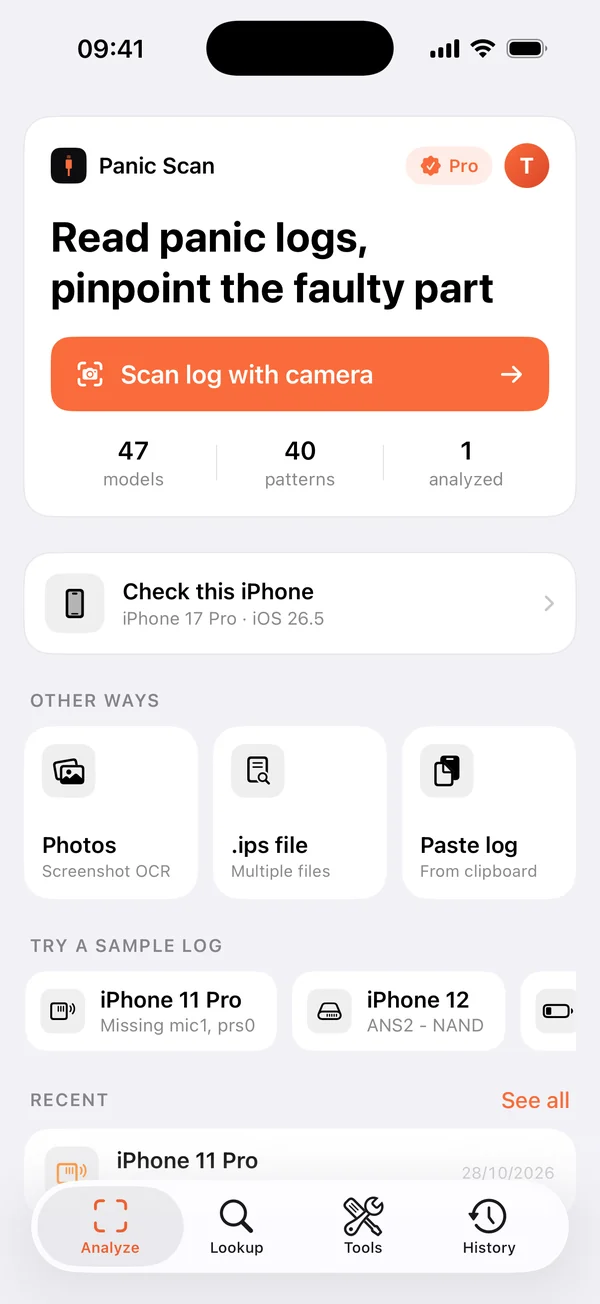
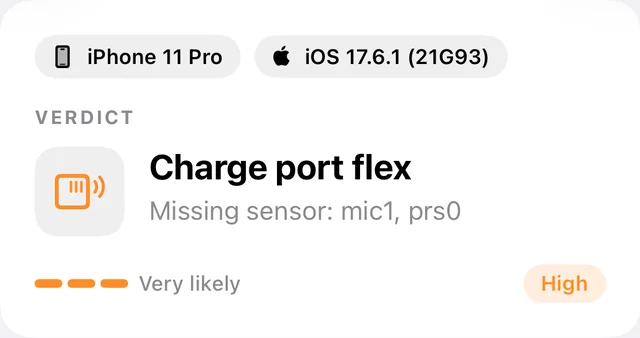
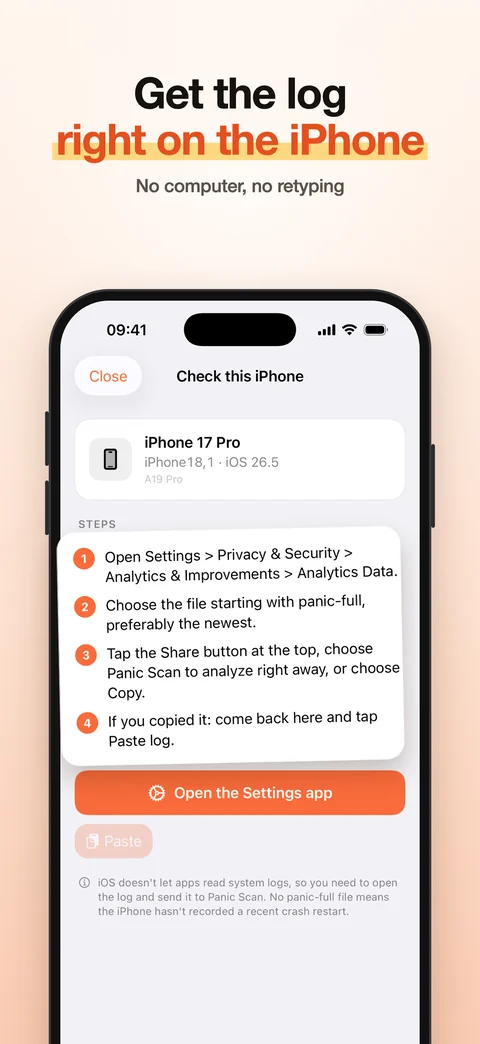
iOS doesn't let apps read system logs, so you open the log in Settings and send it to Panic Scan.
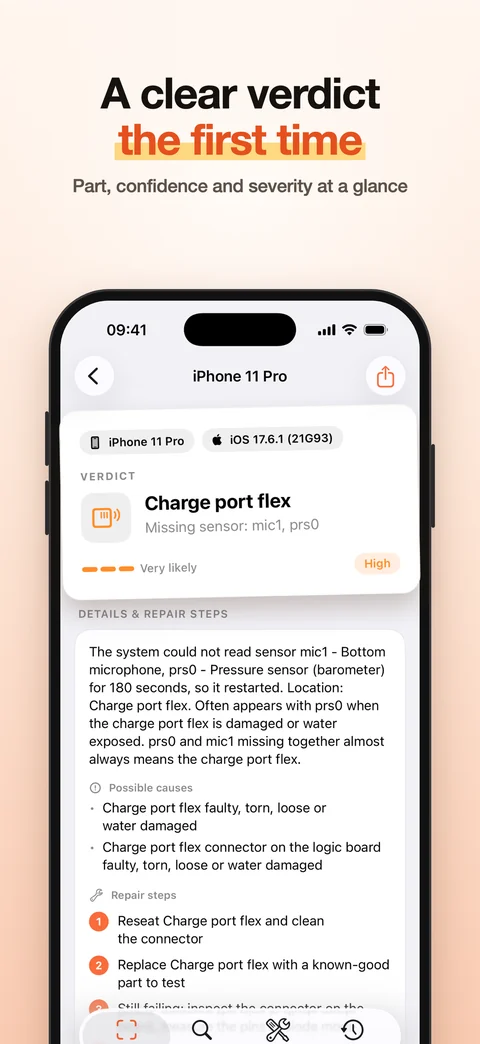
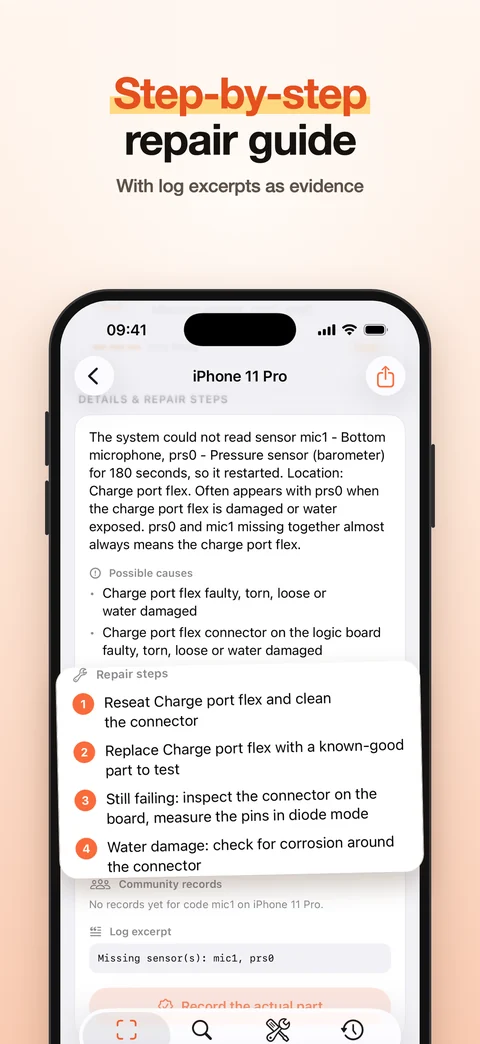
No computer, no retyping. Every verdict shows the part, confidence, causes, repair steps and the log excerpt as evidence.
Point the camera at the log on the faulty phone; the app reads the text live and analyzes it.
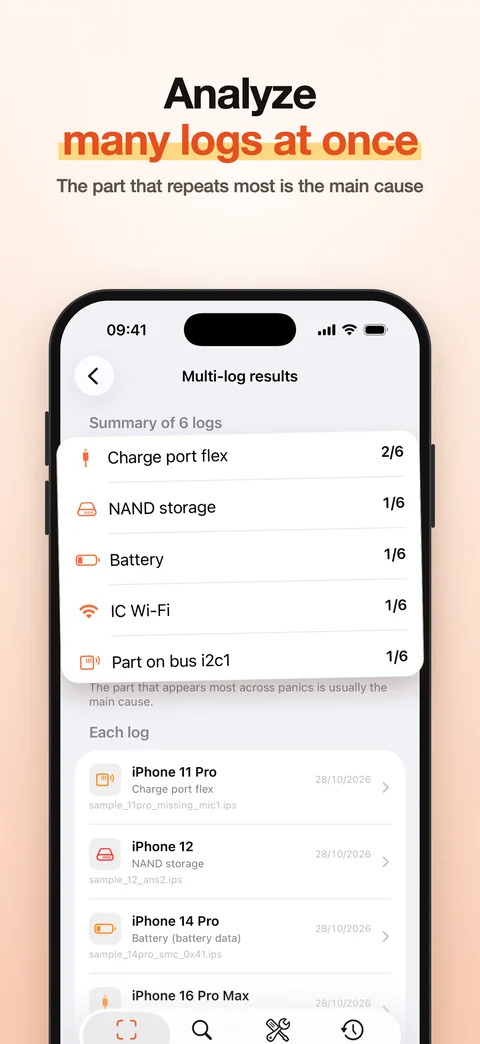
Recognize text from screenshots, or open one or many panic-full files at once.
In Analytics Data, tap Share and pick Panic Scan to get the result.
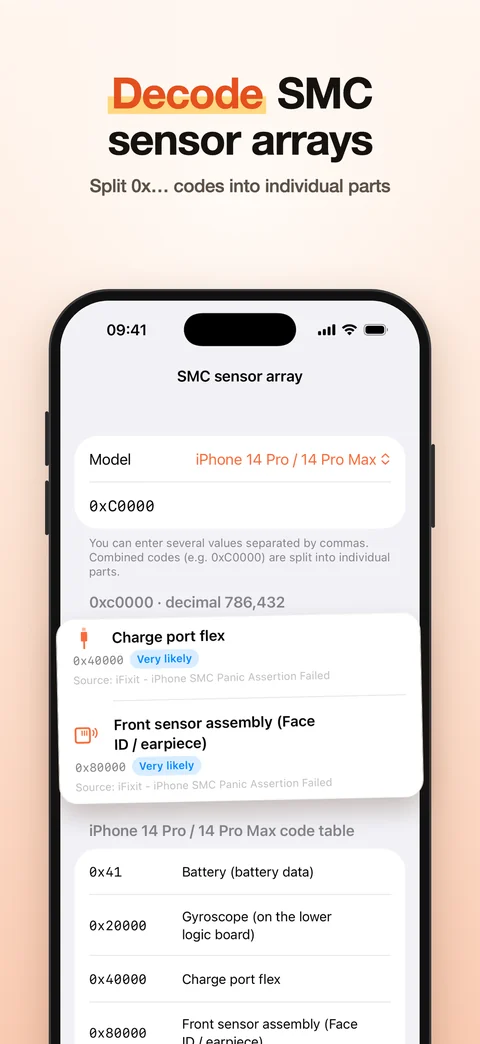
Splits 0x... or decimal codes into parts, even when several parts fail together.
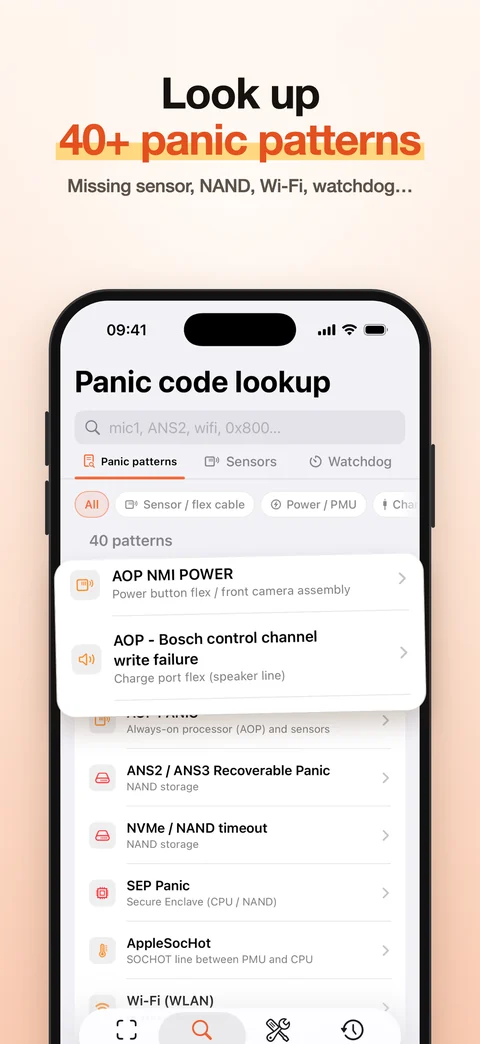
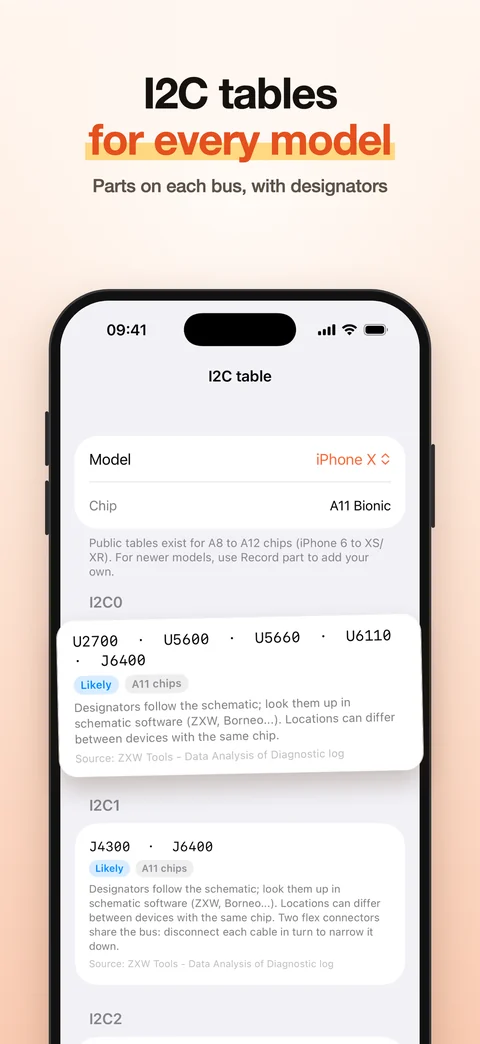
mic1, prs0, TG0B, I2C buses, PCIe and 40+ other panic patterns with repair steps.
After a repair, record the real faulty part; approved records make everyone's diagnosis sharper.
Screenshots from the real app. Swipe to see more.
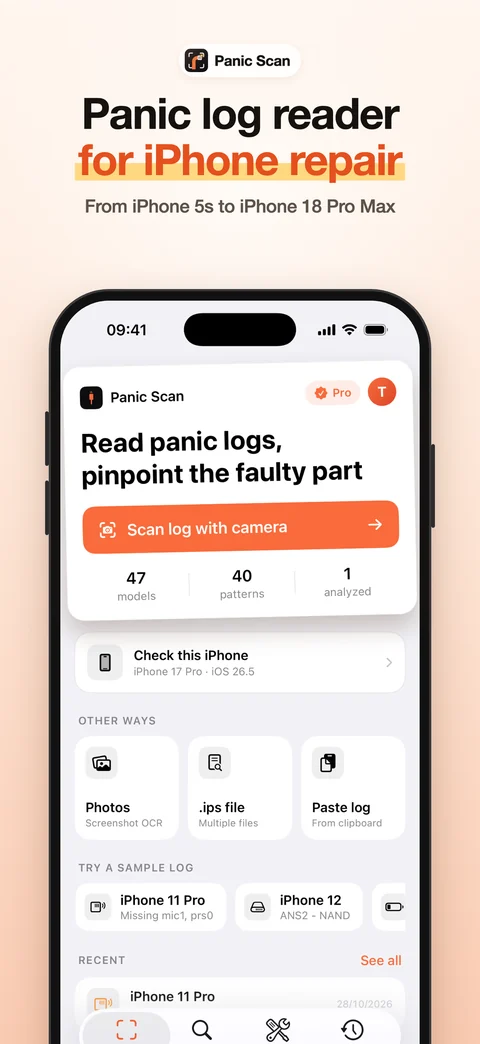
Free to download. Upgrade to Pro inside the app, paid through the App Store.
iOS does not let apps read system logs. Open the panic-full file in Settings, then share, scan or paste it into Panic Scan.
iPhone 5s to iPhone 18 Pro Max. SMC codes start at iPhone 13; newer models are added through data updates.
No tool is. Panic Scan is based on real repair data and shows the confidence and source of every verdict.
Analysis runs fully on the device. Internet is only needed to sign in, buy Pro or download data updates.
Free to download, analyzes on the device, no computer needed.
Coming soon to the App Store